

A password reused across several websites can put multiple accounts at risk if one service is breached. Use a different, hard-to-guess password for every important account and add a second verification step wherever it is available.
Use unique passwords
A long passphrase made from unrelated words can be easier to remember than a short complicated string. Avoid names, birthdays, phone numbers and predictable patterns. Do not reuse your email password for shopping, social media or banking; email is especially important because it often resets other accounts.
Consider a password manager
A reputable password manager can generate and store unique passwords. Protect it with a strong master password and the strongest authentication options available. Do not send passwords to yourself in plain-text messages or keep a readable list where anyone with access to your phone can find it.
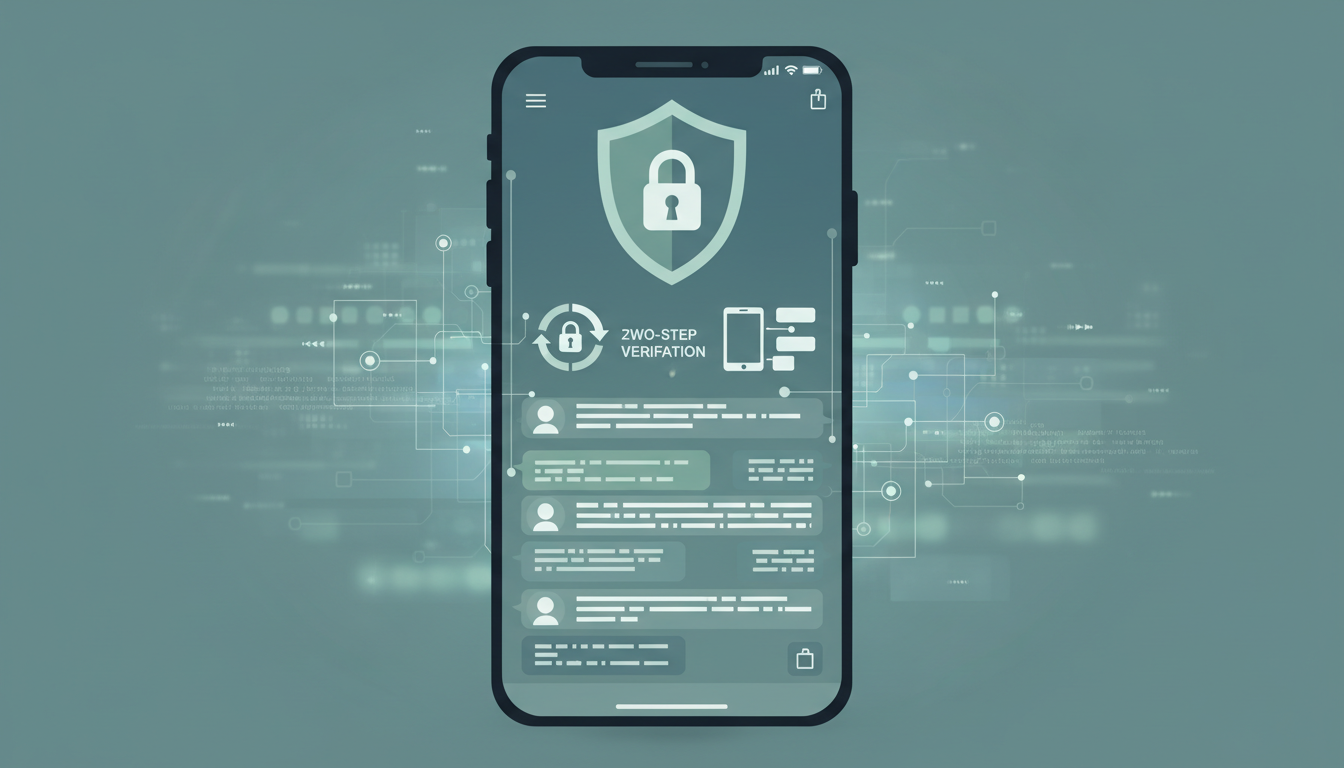
Turn on two-factor authentication
Two-factor authentication (2FA), also called two-step verification, asks for an additional proof beyond your password. Options may include a passkey, security key, authentication app, device prompt or SMS code. Use the strongest practical option offered. Google recommends passkeys or security keys for stronger phishing resistance and notes that text-message codes can be vulnerable to phone-number-based attacks.
For a Google Account, open Security settings and choose 2-Step Verification. For other services, use the official account-security settings rather than an unsolicited link. Store backup codes securely and separately from your phone if the service provides them.
Secure recovery options
- Keep recovery email addresses and phone numbers current.
- Protect the recovery email with a unique password and 2FA.
- Never share one-time codes or backup codes.
- Review signed-in devices and remove sessions you do not recognise.
- Change reused passwords if a service you use reports a breach.
Recognise password-stealing attempts
Scammers may send convincing messages claiming an account will be suspended. Open the service’s app or type its known website address yourself instead of using the message link. Check the domain carefully. Passkeys can reduce phishing risk because they are tied to the legitimate website or app.
If an account may be compromised
From a trusted device, change the password, sign out unknown sessions, review recovery details and enable stronger verification. Change the password anywhere else you reused it. If money was stolen or you suspect financial cybercrime in India, contact your bank and call 1930 promptly; the National Cyber Crime Reporting Portal accepts reports.
Official sources
- Google Account Help: Turn on 2-Step Verification
- Google Account Help: Make your account more secure
- CERT-In: Digital Safety Compass Handbook
Discover more from NewsNation Online
Subscribe to get the latest posts sent to your email.
आपके लिए सुझाव














Leave a Reply