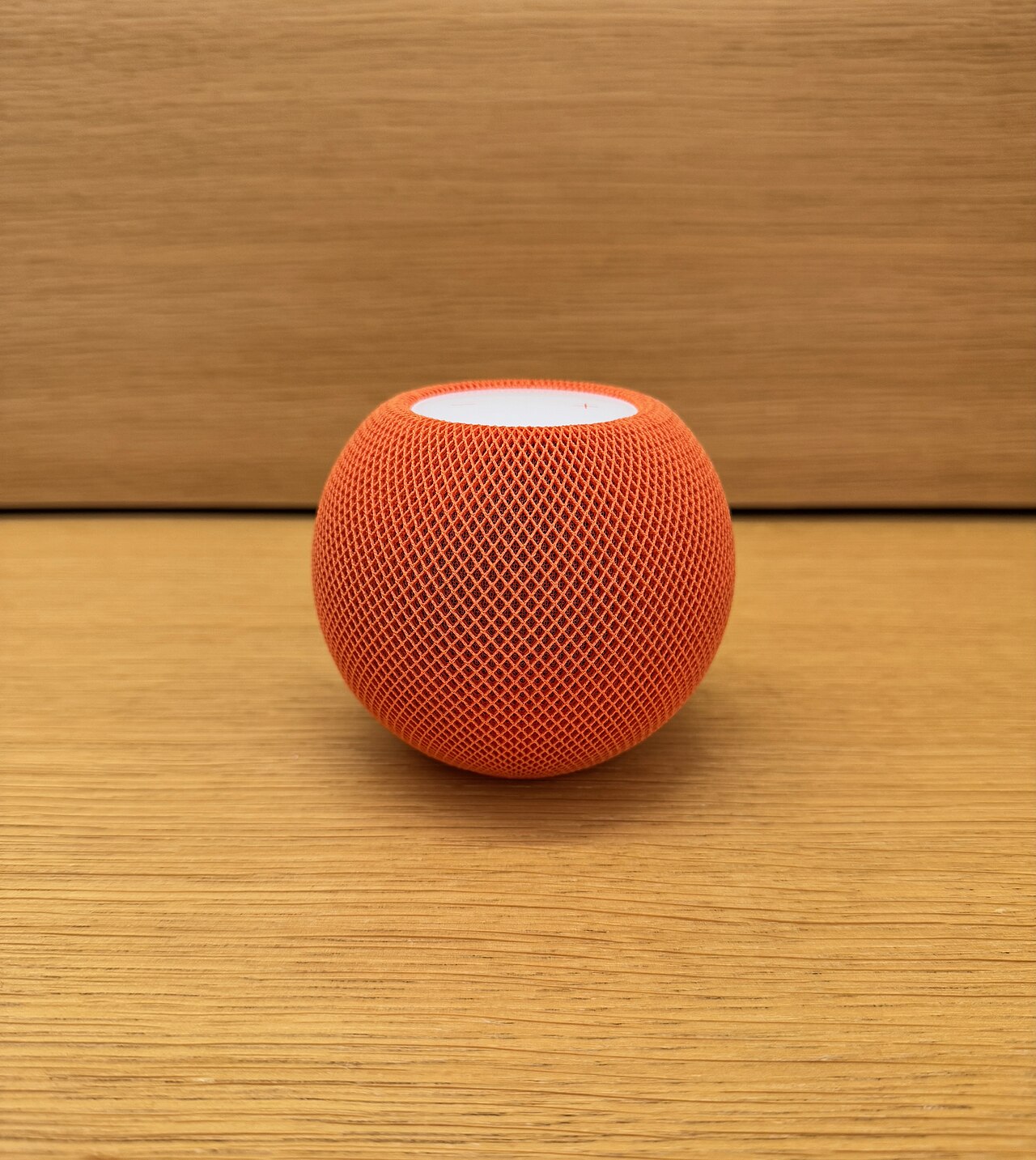
October 15, 2026: Apple has entered a new phase of its smart-home strategy with HomeView, a seven-inch display designed for shared household use. Announced October 13, the device combines smart-home controls, FaceTime, media and a redesigned Siri AI experience.
What does HomeView do?
Apple says HomeView can recognize household members and adapt the screen to show relevant personal information, including calendar events, messages and reminders. It also supports music playback, calls and control of compatible connected-home accessories. The product comes in countertop and wall-mounted versions.
Price and release
The US starting price is $299, with availability beginning in November in supported markets. Pricing, availability and accessory compatibility differ by country. Apple’s India newsroom includes local availability information, so Indian buyers should consult the regional store rather than convert the US price directly into rupees.
Siri AI and privacy
Apple positions its updated Siri AI as a central feature. The company says HomeView has been built with privacy and security in mind. However, buyers should still review permissions for face recognition, household profiles, cameras and connected locks, particularly in homes shared by several people.
Important limitation: native apps
According to The Verge, HomeView does not yet provide native support for several familiar video and audio apps, with some playback relying on AirPlay from an iPhone. That matters for buyers expecting it to function like a fully independent tablet or streaming television. Features shown in demonstrations should be compared with the apps available at launch.
Who is it for?
HomeView may appeal to households already using Apple devices and compatible smart-home accessories. Others should compare the full cost of the display, mounts, connected devices and any subscription services. Its practical value will depend on whether it simplifies everyday tasks rather than adding another screen to manage.
Smart-home compatibility checklist
Before purchasing a connected display, consumers should verify which smart lights, doorbells, cameras and thermostats it supports. Some functions may depend on a separate hub, compatible software version or subscription. An announced product specification does not prove that every third-party service will work at launch.
Privacy questions for families
A display in a shared room may show personal notifications, calendars or camera feeds. Households should examine guest access, account switching, microphone controls and the manufacturer’s retention policies. It is also sensible to check whether the device remains useful when the internet connection is unavailable.
How a smart display fits into daily routines
A connected display can be useful for timers, reminders, video calls, recipes and controlling compatible household devices. The practical value depends on whether these features work reliably for multiple people. A family should test voice recognition in a noisy room and confirm that guests cannot access private messages simply by asking the device.
Questions about long-term support
Buyers should consider how long the manufacturer promises software and security updates. Smart-home devices can remain installed for years, and unsupported software may become a security concern. It is worth checking repair options, warranty coverage, regional availability and whether important functions continue working if a paid service is cancelled.
Why independent testing matters
Product announcements describe intended features and launch plans. Independent reviews can reveal differences in microphone performance, screen visibility, accessibility, responsiveness and integration with older devices. Readers should treat preorder information as provisional until specifications, local pricing and availability are confirmed by the manufacturer.
What to check in the official specification
Screen size, resolution, wireless standards and supported home protocols should be checked against the manufacturer’s documentation. A device may support a broad smart-home standard while individual features still require firmware updates or a particular accessory. Consumers should verify local availability rather than assume a US announcement applies in every market.
Setting up a household safely
A shared smart display should be installed using a dedicated household arrangement where the platform supports one. Review which calendars, photo libraries and notifications are visible to visitors. Test whether voice recognition distinguishes household members and whether sensitive commands require confirmation. The location of the display also matters: placing a camera-equipped screen in a private room creates different concerns from using it in a kitchen.
Costs beyond the advertised price
The purchase price may not represent the complete cost of ownership. Video storage, music services, home security subscriptions and compatible accessories can add ongoing expenses. Buyers should make a list of essential functions and calculate the total before deciding whether the display offers value compared with a tablet or an existing smart speaker.
Accessibility and family use
Large text, captioning, voice control and clear audio can make a display useful for older family members or people with disabilities. However, the quality of language recognition and accessibility options varies by device and region. Independent reviews and hands-on demonstrations are helpful because a feature listed on a specification sheet may not work equally well in every household.
Sources
- Apple India: Official HomeView announcement
- The Verge: Native app limitations
- Reuters: Apple’s smart-home launch
- NewsNationOnline: Another new technology product
Discover more from NewsNation Online
Subscribe to get the latest posts sent to your email.
आपके लिए सुझाव




























Leave a Reply