

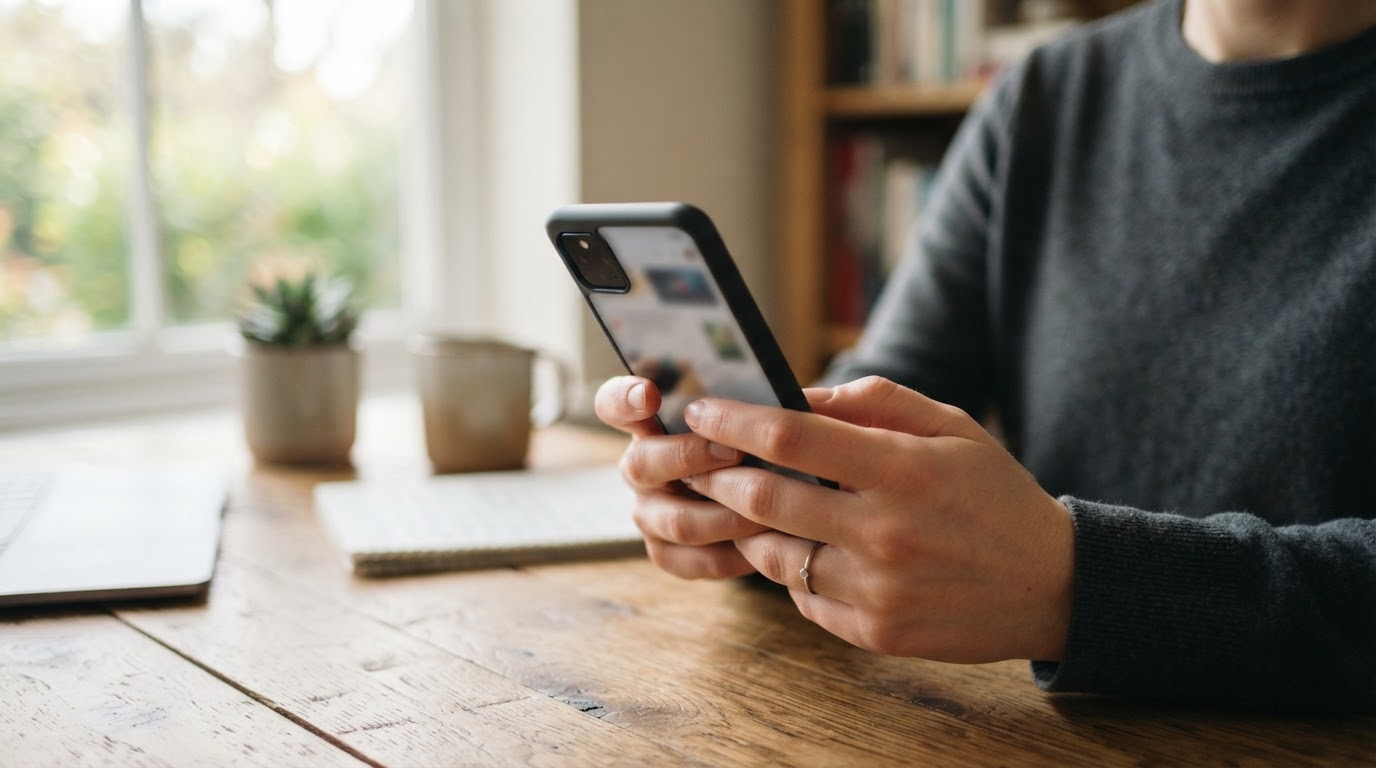
To fix a full Android phone without losing anything important, first confirm your photos are backed up, then clear space in this order: Android’s built-in “Free up space” tool, junk and duplicate files in Files by Google, and finally large WhatsApp media through WhatsApp’s own storage manager. Deleting backed-up photos, junk files and unused apps is generally safe, while deleting files that exist only on your phone is permanent.
Information as of Nov. 20, 2026. Menu names and some features vary by phone maker and Android version.
Quick facts
| Item | Details |
|---|---|
| What | Free up internal storage on an Android phone without losing photos, chats or files |
| Where to start | Settings > Storage > Free up space |
| Free helper app | Files by Google (works on Android 8.0 and up) |
| WhatsApp tool | Settings > Storage and data > Manage storage |
| Key warning | Files deleted through Files by Google are permanently deleted |
| Cost | The tools described here are free |
How do I free up space on Android without losing photos?
Back up first, then let Android remove only the copies that are already safe in the cloud. Google’s Android Help page says your phone can automatically clear backed-up photos and videos when storage is almost full, via Storage and then Free up space. Google notes that some of these steps only work on Android 14 and up, so older phones may show fewer options.
Also read: eFootball Wins Google Play’s Best Ongoing Game Award in India for 2026
What are the steps to clear storage safely?
- Check your backup. Open Google Photos and confirm your recent pictures and videos show as backed up before you remove anything from the phone.
- Use Android’s built-in tool. Go to Settings, tap Storage, then Free up space. Tap Select files and choose the items you want to delete.
- Let old apps be archived. Your device can automatically archive apps you rarely use, and you can download them again as long as they’re still on Google Play.
- Clear junk with Files by Google. Some apps store temporary files; clearing them frees space and does not affect app settings. In the app, open the menu, tap Clean, then use the “Junk files” card.
- Review duplicates, screenshots and large files. Files by Google can also help you delete duplicate files, screenshots and unused apps. Look at each suggestion before confirming.
- Trim downloads. You can delete downloaded files you don’t need to save space.
- Move keepers to a computer. You can copy files and folders to a computer with a USB cable, then delete them from the phone. Check the copies opened correctly before deleting the originals.
Is it safe to use Files by Google?
Yes, if you review what it suggests. Google’s help page for the app includes a clear warning: clearing junk files or deleting files in Files by Google permanently deletes the data. Treat the “Clean” tab as a list of suggestions, not an automatic fix. Files by Google is Google’s own app and works on Android 8.0 and up; if you don’t have it, you can download it from the Play Store.
How do I free up WhatsApp space without losing chats?
Delete large media items rather than whole conversations. WhatsApp’s help center says to go to Settings, then Storage and data > Manage storage, where you can review what is stored on your phone.
- Open WhatsApp, then go to Settings > Storage and data > Manage storage.
- To find big files, tap “Larger than 5 MB” in the Review and delete items section.
- Tap additional items to select several at once, or use Select all. Then tap the trash can and confirm.
- Before deleting, save any photo or video you want to keep to your gallery or Google Photos. WhatsApp’s help page cautions that deleted items might still be saved on your device, so check your gallery or file manager if space doesn’t change.
Avoid the “Delete WhatsApp cloud storage backup” option unless you mean to remove your backup, since it’s a separate action from clearing media on the phone.
What this means for you
Most people can recover several gigabytes by working in this order: backed-up photos, unused apps, junk files, then big WhatsApp videos. Do a small cleanup once a month rather than waiting for the “storage full” warning, which can block app installs and updates. If you’ve already deleted something by mistake, stop adding new data and check the trash folders in Google Photos and Files by Google first.
Key details
- Back up before you delete; deletions in Files by Google are permanent.
- Some Android storage features need Android 14 or newer, as of Nov. 20, 2026.
- Clearing junk files leaves app settings alone.
- WhatsApp media can be deleted by size without removing the chats themselves.
- Official help: Free up storage on your Android device, Clear your junk files (Files by Google) and How to free up storage on WhatsApp.
FAQ
Will “Free up space” delete my photos?
It is designed to clear photos and videos that are already backed up, so the copies stay in your cloud library. Confirm the backup status first.
Does clearing junk files delete my app data or settings?
According to Files by Google Help, app settings are not affected when you clear temporary junk files.
Can I recover files I delete in Files by Google?
Google says the data is permanently deleted, so don’t count on getting it back. Only delete what you’ve reviewed or already copied elsewhere.
Do I need a third-party cleaner app?
No. Android’s built-in storage tool, Files by Google and WhatsApp’s Manage storage cover the main space hogs for free. Menu names differ by manufacturer, so check your phone maker’s help site if an option is missing.
सीधे अपनी Facebook फ़ीड में पाएँ — News Nation Online पेज को Follow करें।
Discover more from NewsNation Online
Subscribe to get the latest posts sent to your email.
आपके लिए सुझाव


Leave a Reply